


Skywork AI Agent Review – The Efficiency Tool That Transforms How You Work
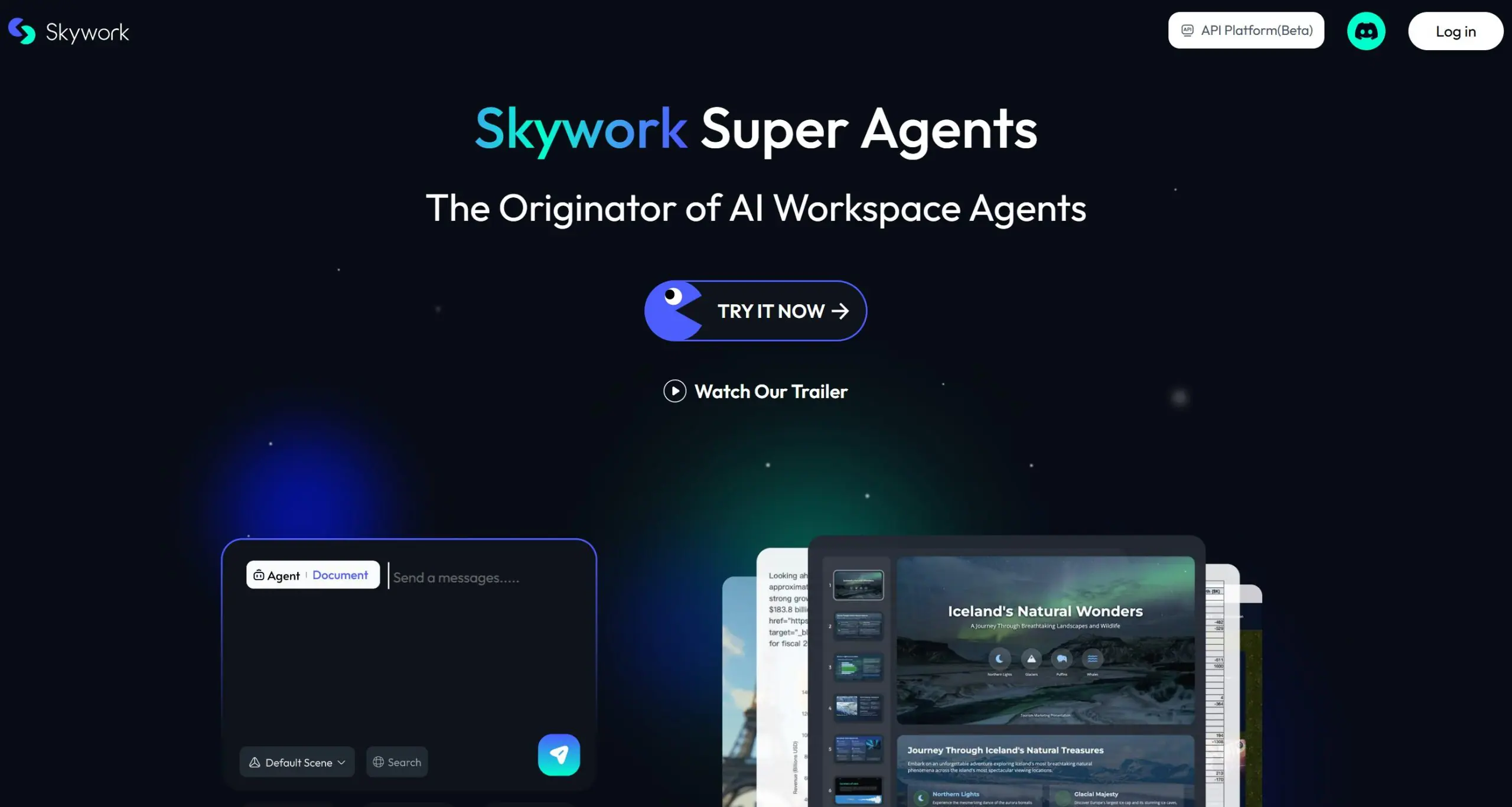
Do you ever feel overwhelmed the moment you start your workday? This guide introduces an AI-powered tool that can turn 8 hours of tasks into 8 minutes of effortless creation—from presentations and reports to knowledge management. Unlock the true potential of AI-driven productivity.
1. From Overwhelmed to Overachieving
The morning hasn’t even begun, and your chat apps are already buzzing. Piles of documents, unfinished slides, complex spreadsheets—sound familiar? What if you had an AI assistant that didn’t just help but actually completed the work for you, in minutes, with professional-level quality?
Meet Skywork Super AI. This isn’t just another chatbot. It’s an AI agent built to get things done. In today’s fast-moving digital world, knowing how to leverage the right tools can set you apart. Let’s dive into what makes Skywork so powerful.
2. Core Feature: One Command, Five Outputs, Endless Possibilities
Imagine researching a broad topic like “How will AI adoption impact society and the economy?” Normally, you’d spend days reading, summarizing, and formatting. With Skywork, you just enter one command.
This is the magic of One Command, Five Content.
- Structured Reports Made Easy
- Using File Mode, Skywork creates well-organized, detailed reports. You can even upload reference materials for it to learn from. Before starting, a Clarification Card appears to confirm details like title, language, and tone—minimizing revisions later.
- In minutes, you get a polished report complete with a table of contents, clear sections, embedded tables, visual data, and clickable source links for full transparency.
- Next-Level PPT Generation
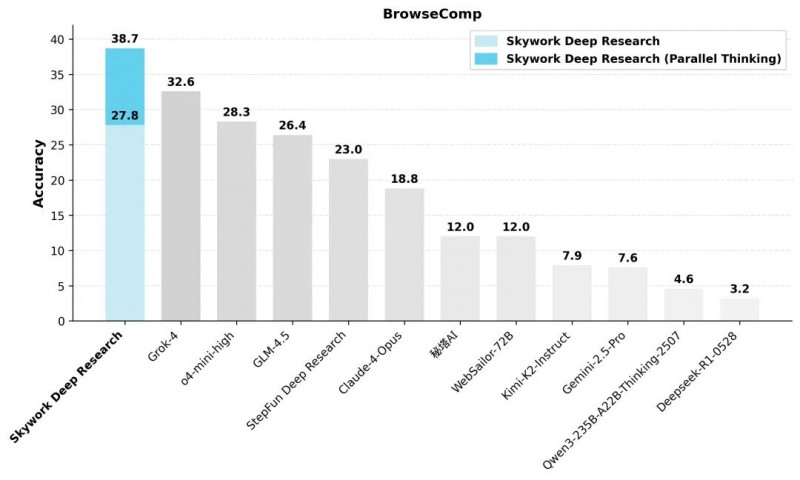
- Skywork’s PowerPoint ability stands out. It uses Deep Research technology to produce detailed, professional decks—typically 30 to 100 slides—far beyond most AI tools.
- Choose Quick Mode for a quality draft in 5–6 minutes, or Deep Mode for thoroughly researched slides. You can even upload your own template for brand-consistent designs.
- Multiple Formats at Once
- From that same single command, Skywork also delivers:
- Data summary tables
- Interactive webpage versions of your report
- Podcast-style audio summaries
- This “one input, multiple outputs” approach reshapes how content is created.
3. More Than a Tool: Your Personal Knowledge Hub
Skywork also acts as your digital second brain. Upload your notes, e-books, plans, or research to build a private knowledge base. Then you can:
- Ask questions and get instant answers from your files
- Let it analyze and summarize your materials
- Create new content based on your personal resources
Example: Upload notes from three time-management books and ask, “Summarize the key ideas from these.” Skywork extracts and organizes the insights into a clear, actionable summary.
4. Who Is It For? Real-World Use Cases
Scenario 1: Busy Professionals
- Investment Analyst: Need a report on NVIDIA stock valuation? Get a data-rich analysis with charts and a PPT in minutes.
- Product Manager: Generate a multi-team project tracker with timelines and a Gantt chart automatically.
- HR Specialist: Upload resumes and let Skywork extract key details into structured candidate reports.
Scenario 2: Students & Educators
- Students: Upload research papers—Skywork compares arguments, summarizes methods, and cites sources traceably, supporting academic integrity.
- Teachers: Create full lesson kits (lesson plans, slides, quizzes) by simply entering the topic.
Scenario 3: Everyday Planners
- Travel Planning: Ask for a “7-day cultural trip in Kansai, Japan” and receive a day-by-day itinerary with transport, dining, and a printable PDF guide.
5. Skywork vs. Other AI Tools
Skywork vs. ChatGPT
ChatGPT gives you a text “rough draft”—you still need to structure and polish it. Skywork delivers a finished, formatted product ready to use.
Skywork vs. Other AI Agents
Skywork’s advantages include:
- Deep Research technology for more thorough content
- Clarification Cards to align on goals before starting
- Full traceability—every claim is linked to its source, adding trust and credibility
6. Getting Started with Skywork
Ready to try it?
- Free tier: New users get 500 credits, plus 500 daily login credits—enough to test core features.
- Upgrade options: Affordable plans are available for regular users, with even the basic tier supporting dozens of tasks.
If you’re a professional, researcher, student, or anyone looking to work smarter, Skywork Super AI can redefine how you create, organize, and produce. It doesn’t just find information—it automates the entire process from research to polished output.
Related AI column























0 Comment