






GitHub Copilot
GitHub Copilot is an AI-powered coding assistant designed to accelerate developer workflows across code editors, terminals, and GitHub itself. It offers intelligent code completions, conversational coding assistance, autonomous coding agents, and deep integrations with popular IDEs to help developers write, fix, and understand code more efficiently.
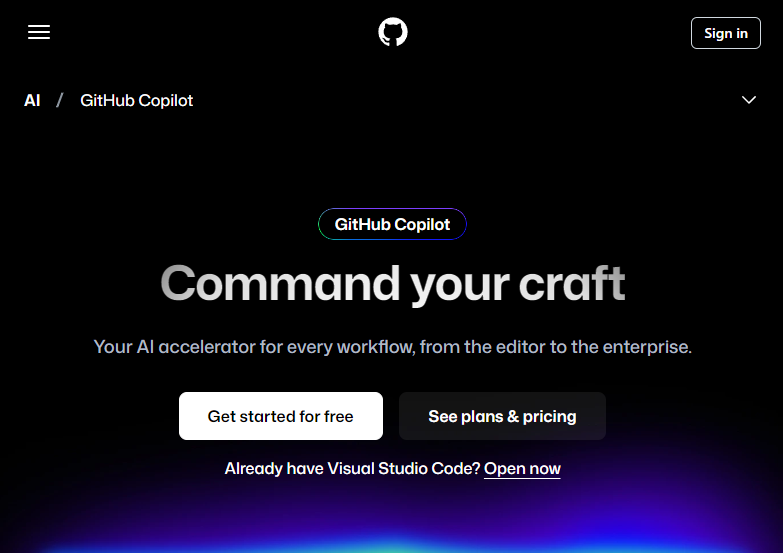
What Is GitHub Copilot?
GitHub Copilot is an advanced AI assistant for software development that integrates directly with common coding environments and GitHub workflows. It uses machine learning models to provide context-aware code suggestions, natural language chat support, and automated coding tasks — helping developers reduce manual effort and focus on higher-value work.
Key Features
Intelligent Code Completion
Copilot can predict and complete lines or blocks of code based on the current context in your IDE. It supports many programming languages and adapts its suggestions according to surrounding code.
Copilot Chat
A built-in conversational interface lets developers ask questions about code, receive explanations, generate code snippets, and clarify documentation — all within the editor or GitHub.
Autonomous Coding Agents
Assign issues to Copilot’s autonomous agents that can generate pull requests, make code changes, and respond to feedback, significantly reducing routine workload.
Copilot CLI
Use Copilot directly from the command line to get AI assistance for local files or interactions with GitHub, blending natural language commands with development tasks.
Code Review Assistance
Copilot offers AI-assisted code review suggestions to highlight potential issues, improve quality, and speed up pull request evaluations.
Context-Aware Knowledge Integration
With features like Copilot Spaces and knowledge bases (in enterprise plans), Copilot can incorporate project documentation and context to provide more tailored guidance.
Integrations & Platform Support
GitHub Copilot supports popular development environments including Visual Studio Code, JetBrains IDEs, Neovim and more. It also works within GitHub.com, GitHub Mobile, and GitHub CLI, offering flexibility for various workflows.
Benefits for Developers
- Boosted productivity – accelerates coding with smart suggestions.
- Reduced boilerplate work – handles repetitive tasks so developers can focus on logic.
- Improved onboarding – helps new team members understand codebases faster.
- Team consistency – enterprise features help standardize practices across projects.
Pricing Tiers
Copilot offers multiple plans, including a Free tier with limited usage, Pro for individual developers, and higher plans with expanded features and model access.
Related AI Tools






0 Comment