






Firebase Studio
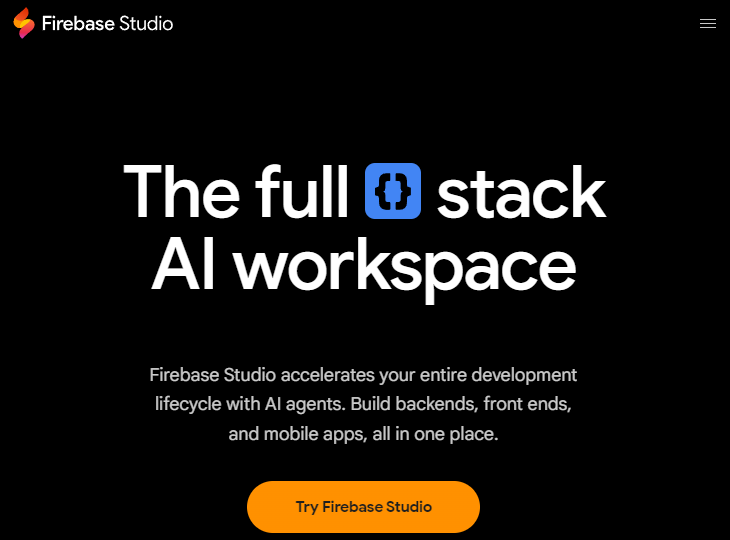
Firebase Studio is a cloud-based, AI-infused full-stack development workspace that enables rapid prototyping, building, testing, and deploying applications directly in the browser. It integrates AI assistance, project import, previews, collaboration, and deployment tools into a unified environment to streamline modern app development workflows.
What Is Firebase Studio?
Firebase Studio is a web-based development platform designed to accelerate full-stack app creation with integrated AI support. Built on Google Cloud and combining components like Project IDX and Gemini in Firebase, it provides developers with a powerful workspace for coding, prototyping, debugging, testing, collaboration, and deployment — all accessible from a browser without local setup.
Key Features
AI-Powered Development
Firebase Studio uses Google’s Gemini AI to assist with code generation, suggestions, debugging, documentation, and testing. Developers can interact with AI through natural language prompts or inline suggestions to improve productivity and reduce repetitive tasks.
Rapid App Prototyping
With the App Prototyping agent, users can describe app ideas using natural language, images, or sketches to automatically generate functional app templates. This agent streamlines the initial stages of app creation, currently supporting frameworks like Next.js with future expansion planned.
Browser-Based IDE
Firebase Studio’s development environment is based on a full virtual machine running a Code OSS-based IDE in the cloud. It supports importing projects from GitHub, GitLab, Bitbucket, or local archives and lets developers customize their workspace using Nix configuration.
Collaboration & Previews
Teams can share workspaces for real-time collaboration and provide early testers with shareable preview URLs. Built-in emulators and web previews allow developers to test apps across device types without additional setups.
Integrated Deployment
Firebase Studio integrates with Firebase and Google Cloud services for easy deployment. Projects can be published to Firebase App Hosting or other infrastructures like Cloud Run with minimal configuration, simplifying the path from development to production.
Supported Languages & Frameworks
The platform supports multiple languages and frameworks, including JavaScript, TypeScript, Python, Go, and popular front-end stacks like React, Angular, Vue, and Flutter. Pre-built templates accelerate project kick-offs across diverse tech ecosystems.
How It Works
Firebase Studio offers two development modes:
- Coding Workspace: A full coding IDE that combines AI assistance and traditional development tools for detailed control.
- App Prototyping Workspace: A guided experience that generates apps from natural language or visual prompts, enabling developers to start with minimal code.
Benefits
- Faster Development: AI assistance accelerates coding, debugging, and testing.
- Zero Setup: Browser-based access removes local installation hurdles.
- Seamless Firebase Integration: Deep ties with Firebase services streamline backend and deployment workflows.
- Collaborative Workflows: Shareable workspaces enhance team productivity.
Preview and Availability
Firebase Studio is currently offered in Preview mode, meaning features and capabilities may evolve and do not yet have formal service level guarantees. Some aspects, such as workspace limits and early access features, may vary based on participation in the Google Developer Program.
Related AI Tools






0 Comment