






powerpresent
Start with just a topic or prompt, and we’ll build your presentation from scratch. Our AI-generated slides come complete with written content, smart layouts, and visuals.
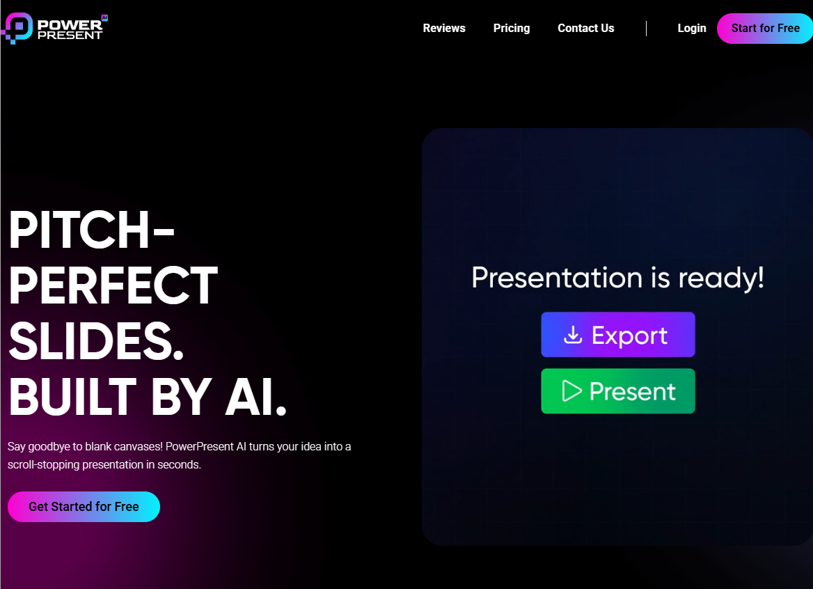
PowerPresent AI: The Next Generation AI PowerPoint Assistant
In today's fast-paced professional world, creating impactful presentations can be a time-consuming and often tedious task. Enter PowerPresent AI, an innovative AI PowerPoint generator designed to transform how individuals and teams create, design, and deliver slide decks. By leveraging artificial intelligence, this platform automates the entire presentation workflow—from structuring content to applying polished visual designs—allowing users to focus on their message rather than manual formatting.
How PowerPresent AI Works as an Automated Presentation Maker
PowerPresent AI stands out as an intelligent presentation AI tool that simplifies slide creation through a user-friendly, three-step process:
- Input Your Content: Users can start by entering key points, pasting existing text, or even uploading documents. The AI analyzes the content and suggests an optimal structure for the presentation.
- Choose a Design Style: Select from a range of professional templates tailored for different purposes—business pitches, academic lectures, marketing reviews, or team meetings. The AI then applies consistent formatting, fonts, colors, and layout across all slides.
- Generate and Refine: Within minutes, PowerPresent AI produces a complete, visually cohesive slide deck. Users can further customize individual slides, adjust visuals, or regenerate sections with simple text commands.
Key Features That Define PowerPresent AI
- Intelligent Content Organization: The platform doesn't just place text on slides—it structures information logically, adds section headers, and suggests where to use visuals, charts, or bullet points for clarity.
- Smart Visual Design: As a true AI slide creator, it automatically selects relevant icons, images, and data visualization formats that align with the presentation’s topic and tone.
- Template Flexibility: Whether you need corporate-branded slides, academic layouts, or creative marketing decks, PowerPresent AI offers style adaptability while maintaining professional aesthetics.
- Multimedia Integration: Easily embed videos, charts, or live data into slides through AI-assisted placement and sizing recommendations.
- Collaboration and Export: Teams can co-edit presentations in real time, leave comments, and export decks in PowerPoint, PDF, or shareable online formats.
Who Benefits from Using PowerPresent AI?
This AI presentation maker serves a wide range of users:
- Business Professionals: Quickly create investor pitch decks, quarterly reports, sales presentations, and strategy briefings without relying on design teams.
- Educators and Trainers: Develop lecture slides, course materials, and workshop handouts with pedagogically sound layouts and engaging visuals.
- Marketing and Consulting Teams: Produce client-ready proposals, campaign reviews, and case study presentations with brand-aligned designs.
- Students and Researchers: Transform essays, theses, or project findings into well-structured academic or conference presentations.
Why Choose PowerPresent AI Over Traditional Tools?
Unlike standard PowerPoint or Google Slides, which require manual design decisions and formatting adjustments, PowerPresent AI acts as a full-service presentation assistant. It reduces hours of work to minutes, ensures visual consistency, and helps even non-designers create polished, professional-quality slide decks. Moreover, its AI-driven approach continuously learns from user feedback and presentation trends to improve its output over time.
Elevate Your Presentations with AI-Powered Efficiency
In an era where clear, visually compelling communication is key to engagement and success, PowerPresent AI offers a practical, powerful solution. It marries the familiarity of slide presentations with the efficiency of artificial intelligence—enabling anyone to create decks that are not only informative but also visually impressive.
Related AI Tools


0 Comment