






Dia Browser
Dia Browser is an AI-enhanced web browser developed by The Browser Company, designed to integrate artificial intelligence directly into the browsing experience. With built-in AI chat and productivity tools, users can “chat with their tabs,” generate text, summarize content, plan tasks, and receive real-time context-aware assistance without switching between apps. Dia is available for macOS and offers both free and premium subscription options for extended AI usage.
What Is Dia Browser?
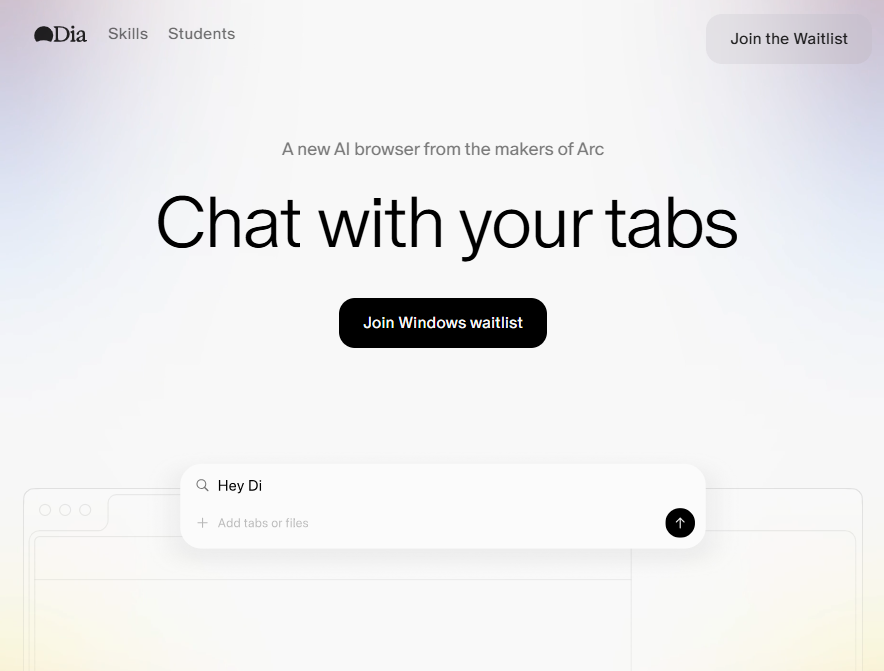
Dia Browser is an AI-powered web browser that blends traditional browsing with conversational AI features. Instead of separating tabs and AI tools, Dia places an intelligent assistant directly alongside the web content you’re viewing. This approach aims to reduce context-switching and boost productivity for writing, research, planning, and more.
Key Features
Chat With Your Tabs
Users can ask questions about the current tab, multiple open tabs, or selected text — all within the same interface. This allows contextual assistance like summarizing articles, extracting insights, or answering questions without manual copy-paste.
Writing Assistance
Dia provides real-time writing support directly in text boxes across the web. It can suggest edits, refine phrasing, and help structure content without switching to external tools.
Learning and Summarization
Students and researchers benefit from instant summarization and explanation tools. Dia can break down complex concepts, extract timestamps from videos, and present clear overviews to help users grasp information quickly.
Productivity and Planning
Dia can generate to-do lists, format information, plan tasks, and translate text as needed. Its AI assistant acts as a personal support system for daily online workflows.
Smart Shopping Support
While browsing shopping websites, Dia can help compare products, read reviews, find better prices, and aid decision-making with faster insights.
AI Skills and Extensions
Dia Browser uses a system of AI “Skills” — specialized AI routines that handle tasks like email draft creation, document summarization, calendar scheduling, and more. These Skills expand the browser’s capabilities into areas often served by separate apps.
Availability and Pricing
- Platform: Currently available for macOS with Apple Silicon chips (M1 and later).
- Plans: A free version includes core AI features and a limited number of chats, while Dia Pro — a subscription tier — unlocks more extensive AI usage and unlimited chat features.
Enterprise and Security Features
Dia also offers enterprise-friendly options including SOC 2 compliance, single sign-on (SSO), and device management controls. These features make it suitable for businesses seeking secure and AI-native browsing workflows.
How It Works
- Download & Install: Get Dia for macOS from the official site.
- Import Browser Data: Users can bring bookmarks, history, passwords, and extensions from other browsers.
- Use AI Chat: Click the chat button on any tab to ask questions, summarize content, or generate drafts.
- Build Custom Skills: Turn frequent tasks into reusable commands for faster workflows.
Related AI Tools






0 Comment